Room & Monitoring
Most mixing problems start before any plugin is opened. A small room with parallel walls, a desk that reflects sound into the listening position and speakers pushed against the wall all change what you hear, and every decision made from that sound carries the error into the mix.
The guides here cover the physical side of a home setup: where the monitors go and why, which acoustic treatment does the most for a modest budget, how microphone types behave in an untreated room, and when headphones are the better reference. Numbers are given as starting points, because every room is different.
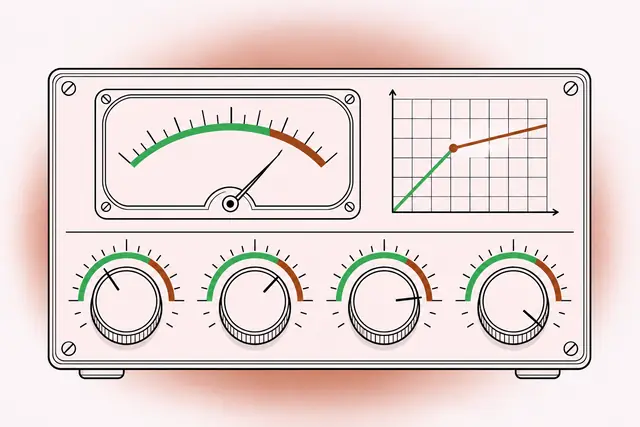
Glossary of Music Production Terms: A to Z for the Home Studio
A short, practical glossary of the words you meet in a DAW, a plugin window or a mixing forum, so you can read a manual or a tutorial without stopping at every second term.
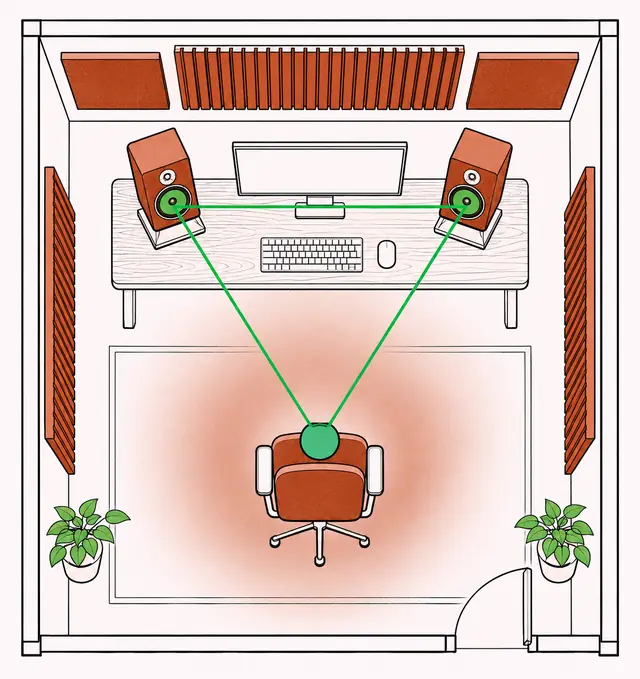
Studio Monitor Placement in a Home Room: Geometry, Height and Level
By the end of this guide you will be able to place a pair of monitors in a small room, set the listening position, tame desk and wall problems, and calibrate a repeatable mixing level.
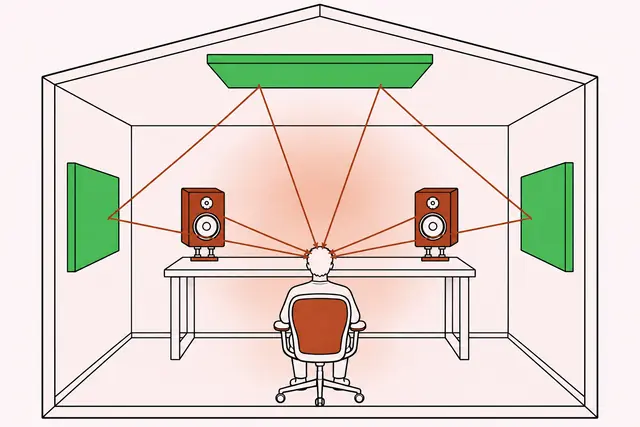
Practical Acoustics for a Home Studio: Modes, Reflections and Traps
This guide shows how a small room colors what you hear, where absorbers and bass traps belong, how thick they need to be, and in which order to spend effort on treatment.
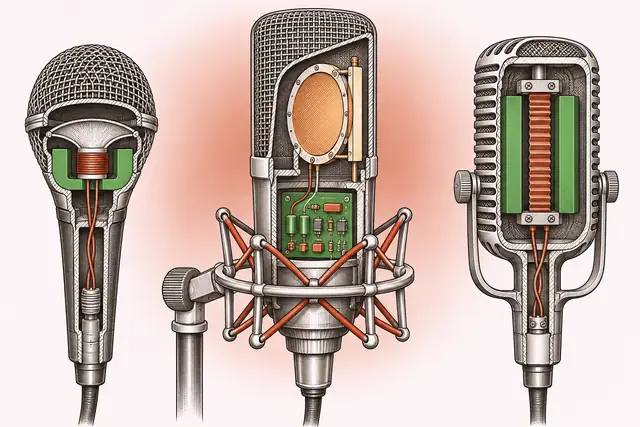
Microphones for Home Recording: Types, Patterns and Placement
After this guide you will know how each microphone type behaves, which one suits your room and sources, and where to place it for voice and guitar as a first, adjustable position.
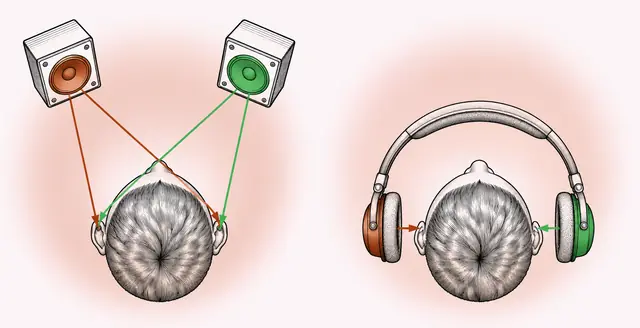
Mixing on Headphones: Getting Reliable Results Without Speakers
After reading, you will know how headphones mislead a mix, which tools correct for it, and a routine for judging width, low end and balance so the result holds up on speakers, earbuds and car systems.