Computer & Interface
The computer is the tape machine, the console and the effects rack of a home studio, and it brings its own set of problems: latency while tracking, crackles in a heavy session, levels that clip inside a plugin while the meters look fine.
These guides explain the settings that sit between the microphone and the mix bus. Buffer size, sample rate and bit depth, interface inputs and drivers, gain staging inside the DAW, and how to build a reliable free toolkit before spending anything on extra software.
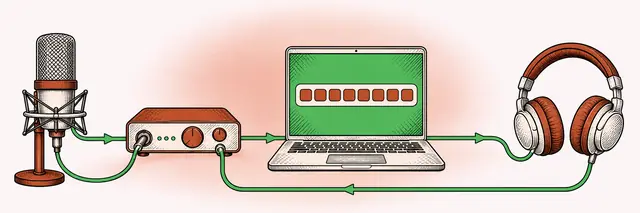
Buffer Size and Latency: Setting It for Tracking and for Mixing
By the end of this guide you will know how to work out the delay your buffer adds, pick a sensible size for recording and for mixing, and fix crackles without guessing.
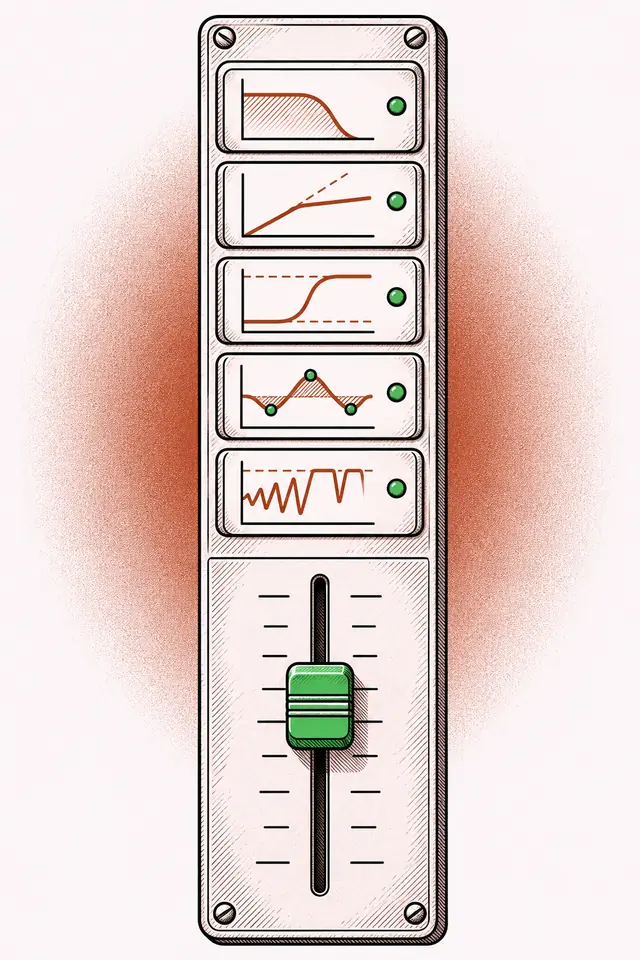
Free Mixing and Mastering Plugins: What a Free Toolkit Needs
By the end you will know which eight kinds of plugin cover a complete mix and master, what separates a useful free tool from clutter, and how to keep a session stable as the plugin folder grows.
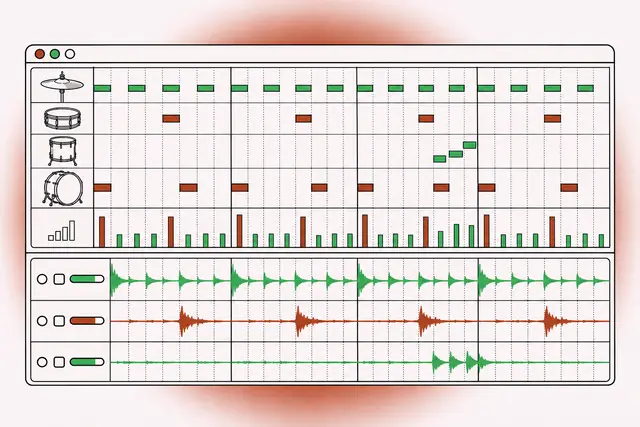
MIDI Drums vs Audio Drum Samples: How to Choose and Combine Them
After reading, you will know when programmed MIDI drums serve a song better than audio samples, how to make either one sound played, and when to commit a part to audio for the mix.
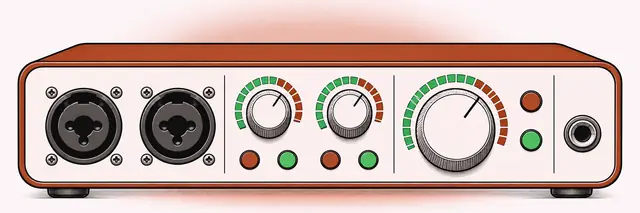
Choosing an Audio Interface: Inputs, Preamps, Drivers and Outputs
This guide gives you a clear checklist for picking an audio interface: how many inputs you need, how much preamp gain, which outputs matter and why driver quality decides how the unit feels every day.